Get in touch
I'm always excited to take on new projects and collaborate with innovative minds.
Phone
Website
Address
Dhaka, bangladesh
I'm always excited to take on new projects and collaborate with innovative minds.
Dhaka, bangladesh
Learn how to set up and optimise your Google Business Profile so local customers find your business first on Google Search and Maps.
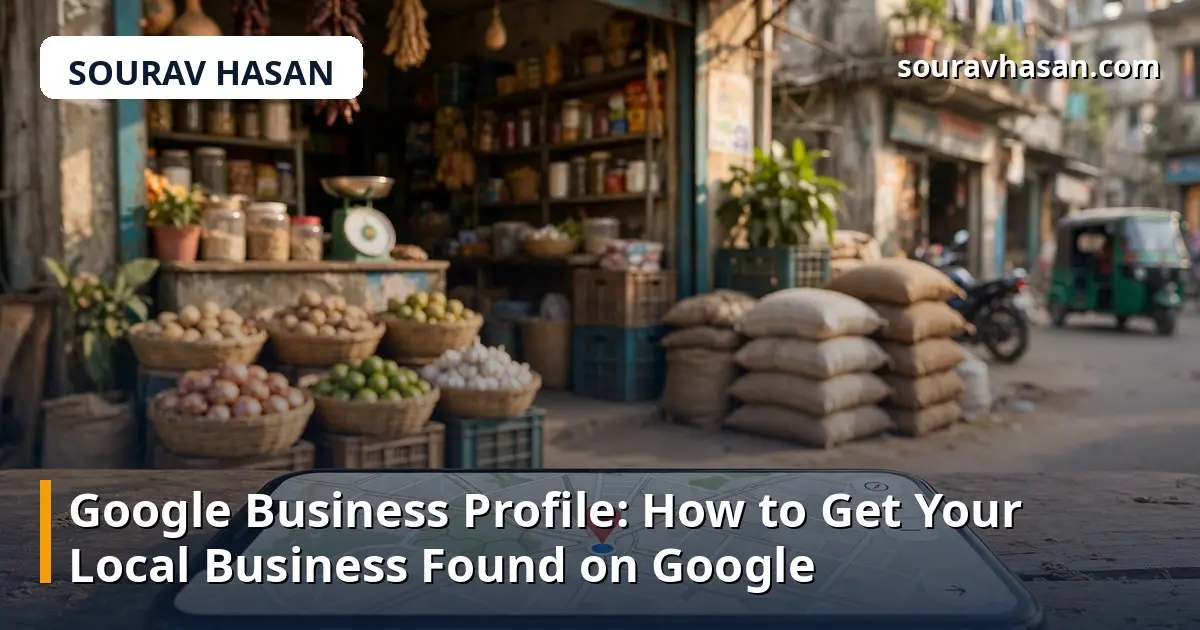
When someone in Dhaka searches for a shop or service nearby, Google usually answers with a small map and a short list of businesses before it shows any websites. That box is powered by Google Business Profile, and for a local business it is often the first thing a customer ever sees of you. It is free, and in my experience working on local search for small businesses, it is the single highest-value local SEO task there is.
This guide walks through setting up your profile, filling it in properly, and keeping it active so Google keeps showing it.
Google Business Profile (formerly Google My Business) is the free listing Google shows for your business on Search and Maps: your name, address, phone number, opening hours, photos, reviews and a link to your website. When someone searches for "electronics shop near me" or "best CCTV shop in Dhaka", Google uses these profiles to build the local results.
Unlike your website, a well-filled profile can start appearing in local results quickly, because Google already trusts the information you verify with it directly.
A half-finished profile will not perform. Go through each step before you move on to optimisation.
Search for your business name on Google Maps. If a listing already exists, claim it; if not, create one at business.google.com. Google will ask you to verify that you own the business, usually by sending a postcard with a code to your address, or sometimes by phone or email. Verification can take a few days, so start early and do not create a second listing while you wait.
Enter the name customers see on your shop sign and your receipts. Do not add extra keywords or your city to the name to try to rank better — Google treats that as spam and it can get your listing suspended.
The category tells Google what you do. Pick the closest match — for example, "Electronics Store" rather than a generic "Store". You can add secondary categories, but the primary one carries the most weight.
If customers visit your shop, show your address. If you deliver or visit customers instead, hide the address and list the areas you serve. Keep the details accurate: a customer who follows Maps to the wrong address will not come back.
Fill in your opening hours, including special hours for holidays, and add a phone number that someone actually answers. Link to your website, or to your Facebook page if you do not have one. These are what a person checks before deciding to call or visit.
Use the short description field to say what you sell or do, who it is for, and what makes you different — in plain language, not a list of keywords. A camera shop might say it stocks security cameras and portable monitors and offers installation in Dhaka. That tells a customer more than a keyword-stuffed sentence.
Upload clear photos of your shopfront, your shop interior, your products and your team, and add new ones whenever something changes. Avoid stock photos: customers want to see the actual place they are going to visit.
List your services and products with short descriptions and prices: it gives Google more to match against searches, and customers a reason to choose you before they even call.
Attributes are the small facts Google shows about your business: wheelchair access, delivery available, payment methods, and more. Tick every attribute that is true. They help your listing appear in filtered searches and answer questions customers would otherwise have to ask.
Most satisfied customers will leave a review if you ask at the right moment — right after a successful purchase or a completed job. A short message with a direct link to your review page makes it easy. Never offer payment for reviews or write fake ones: Google removes them, and the damage to trust is worse than having no reviews at all.
Thank people for positive reviews with a short, specific reply. Answer negative reviews calmly and publicly, acknowledge the problem, and offer to fix it. A thoughtful reply often impresses future customers more than the complaint puts them off.
Reviews are free market research. If several customers mention the same strength, put it in your description. If they mention the same problem, fix it — your replies will show that you did.
A profile that never changes slowly sinks. Publish short posts — offers, new products, announcements — that appear on your listing for a limited time. One or two a week is enough: a new arrival, a seasonal offer, a useful tip.
Also check the Questions and Answers section. Anyone can ask a question on your listing, and anyone can answer it. Answer promptly yourself, and add the questions customers ask most often so the answers are already there.
Yes. Creating and managing a profile costs nothing. Google offers paid advertising separately, but the listing itself, including posts, photos and reviews, is free.
Phone or email verification can be instant. The postcard method usually takes several days, and you must enter the code before the listing goes fully live.
Yes. Service-area businesses — for example, an installer who visits customers — can hide their address and list the areas they serve instead. You still need to verify the business.
Yes. The number of reviews, the average rating and how recently they were left all help Google decide which businesses to show — and they strongly affect whether a customer chooses you over a competitor.
A Google Business Profile is not a one-time task. Set it up completely, keep the information accurate, add photos and posts regularly, and answer every review. Do that consistently and your business will be the one local customers find first — and the one they trust enough to contact. For the wider picture, read my practical guide to local SEO for small businesses in Bangladesh.
Your email address will not be published. Required fields are marked *