Get in touch
I'm always excited to take on new projects and collaborate with innovative minds.
Phone
Website
Address
Dhaka, bangladesh
I'm always excited to take on new projects and collaborate with innovative minds.
Dhaka, bangladesh
Learn image SEO for e-commerce: file names, alt text, compression and structured data that help product images rank on Google and load fast.
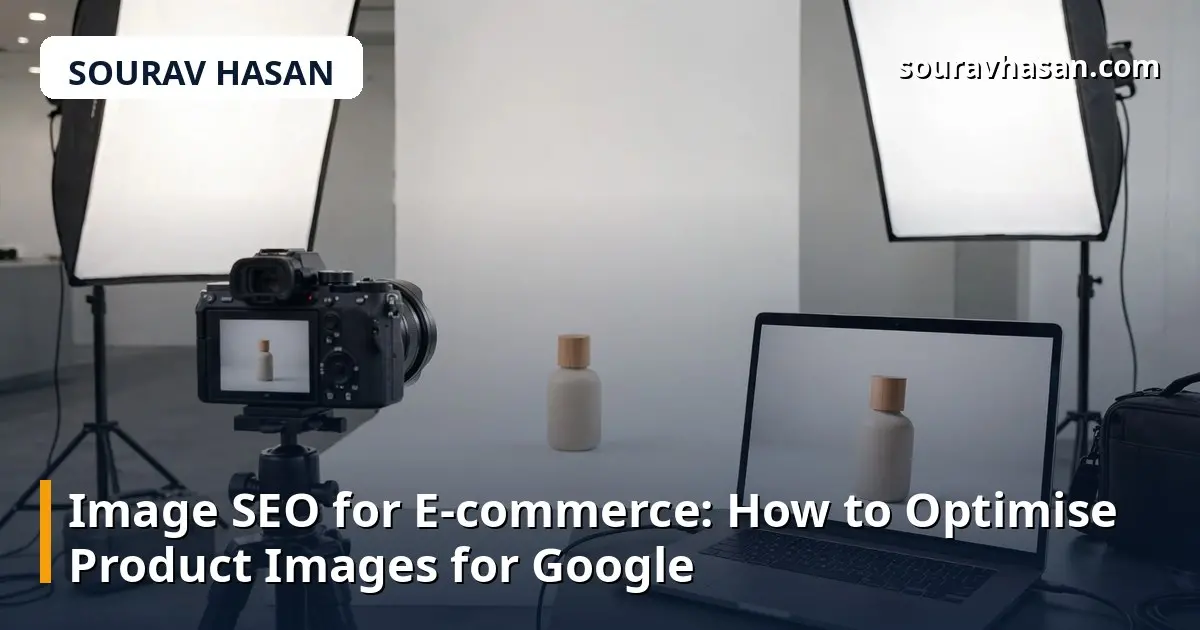
For an online store, images do more than make a page look good — they are a search channel of their own. Shoppers search Google Images for products, and Google uses your images to understand what a page is about. Yet on many e-commerce sites I review, product images are an afterthought: files named IMG_4821.jpg, no alt text, and multi-megabyte photos that slow the whole page down. Fixing image SEO is low-effort work with a real payoff, and this guide walks through exactly how to do it.
Image SEO means making your product images easy for search engines to find, understand and show — and easy for customers to load quickly. It covers file names, alt text, image size, format and a few pieces of structured data. None of it is complicated; it is mostly a matter of building good habits into your product upload routine.
Before an image ever reaches your site, its file name matters. Search engines read file names as a small clue about the image content, and a descriptive name is also easier for your team to manage later.
Use short, descriptive, hyphenated names that match the product: imou-cruiser-sc-wifi-camera.jpg instead of DSC0042.jpg. Keep the name in lowercase, use hyphens instead of underscores or spaces, and avoid stuffing it with keywords. One clear product name is enough. If you upload several angles of the same product, add a suffix such as -front, -side or -box.
This is a habit worth setting at the point of upload. On my own store, synex.bd, renaming images before upload became part of the product checklist, because fixing hundreds of file names afterwards is a much bigger job than doing it right the first time.
Alt text is the short description attached to an image in the HTML. It serves two purposes: it tells search engines what the image shows, and it is read out by screen readers for visually impaired visitors. Both matter, and both are reasons to write it properly.
Good alt text describes what is actually in the image, briefly and naturally. For a product photo, that usually means the product name plus one or two distinguishing details: "Arzopa A1 15.6-inch portable monitor showing a bright display on a desk". For a lifestyle shot, describe the scene: "Wireless security camera mounted above a shop entrance at night".
Avoid the two common mistakes: leaving alt text empty, and stuffing it with keywords. A string of keywords such as "camera, wifi camera, best camera, cheap camera Bangladesh" is not helpful to anyone, and search engines treat it as spam. Write one natural sentence, roughly 100 characters or fewer, and move on. Decorative images that add no information, such as background patterns, can be left with empty alt text — that is the correct choice for them.
Large images are one of the most common reasons e-commerce pages load slowly, and slow pages lose both customers and rankings. A product photo straight from a camera or a supplier can easily be several megabytes; on a product page with six images, that adds up fast.
Aim for each product image to be well under 200 KB, and ideally under 100 KB, without visible loss of quality. In practice this means two steps: resize the image to the largest size it will actually be displayed at — there is no point uploading a 4000-pixel-wide photo for a slot that displays at 800 pixels — and then compress it. Free tools such as TinyPNG or Squoosh do this in seconds, and many image editors have an export-for-web option that does the same thing.
Also choose the right format. JPEG is still the safe default for photographs. WebP, a newer format, gives noticeably smaller files at the same quality and is supported by all modern browsers; if your platform supports it, use WebP for product photos. PNG is best reserved for graphics that need transparency, such as logos, because photographs saved as PNG are usually far larger than they need to be.
If a product page has a gallery of images, loading all of them at once slows the first view of the page. Lazy loading defers images below the fold until the visitor scrolls to them. Most modern platforms and themes include this option — check your theme settings and turn it on if it is available. The first image should always load immediately; the rest can wait.
Optimised images can appear in Google Images results, in product rich results, and in the image thumbnails that sometimes appear beside ordinary search listings. A few extra steps make that more likely.
First, keep your images on the same domain as the product page where possible, rather than hosting them on a separate image service. This strengthens the connection between the image and the page in Google's eyes.
Second, make sure your product pages include structured data — the Product schema that describes the item, its price, availability and image. Most e-commerce platforms add this automatically; if yours does not, it is worth adding. My technical SEO audit checklist covers how to check whether your pages carry structured data correctly.
Third, include an image sitemap or make sure your regular sitemap lists image URLs. Many platforms do this automatically, but it is worth confirming, because images that Google does not know about cannot rank.
Images rank best when the page around them supports them. A product page with a great photo but a one-line description gives Google very little to work with. The text near the image — the product name, the description, the caption — helps Google confirm what the image shows.
That is why image SEO and product copy go together. Write a proper description with the product's real features, as I explain in my guide to writing product descriptions that rank and sell, and your images will benefit too. A descriptive caption under a lifestyle or detail shot is also worth adding; it is one more place where a natural description helps both visitors and search engines.
As many as genuinely help the buyer decide — usually four to eight for a typical product: the main shot, different angles, a detail close-up, the product in use, and what is in the box. More than that rarely adds value and slows the page down.
Alt text mainly helps the image itself rank in image search, and it contributes a small relevance signal to the page. Its biggest value is accessibility, which is reason enough to write it properly on every product image.
WebP if your platform supports it, because the files are smaller at the same quality. JPEG remains a fine fallback. Either way, always resize and compress before uploading — the format alone does not fix an oversized file.
Yes. Shoppers often search by image when they already know what a product looks like but not where to buy it. An image that appears in Google Images links straight to your product page, and that visitor arrives with clear buying intent.
Image SEO is not a one-time project; it is a routine. Rename files properly, write real alt text, compress before upload, and use the right format — and do it for every product, every time. Each fix on its own is small, but across a whole store they add up to faster pages, better image rankings, and more visitors arriving ready to buy. Start with your best-selling products, work through the rest in batches, and make the checklist part of every new upload.
Your email address will not be published. Required fields are marked *