Get in touch
I'm always excited to take on new projects and collaborate with innovative minds.
Phone
Website
Address
Dhaka, bangladesh
I'm always excited to take on new projects and collaborate with innovative minds.
Dhaka, bangladesh
AI image tools can clean up product photos, remove backgrounds and create lifestyle shots. How online sellers can use them well — and where they fall short.
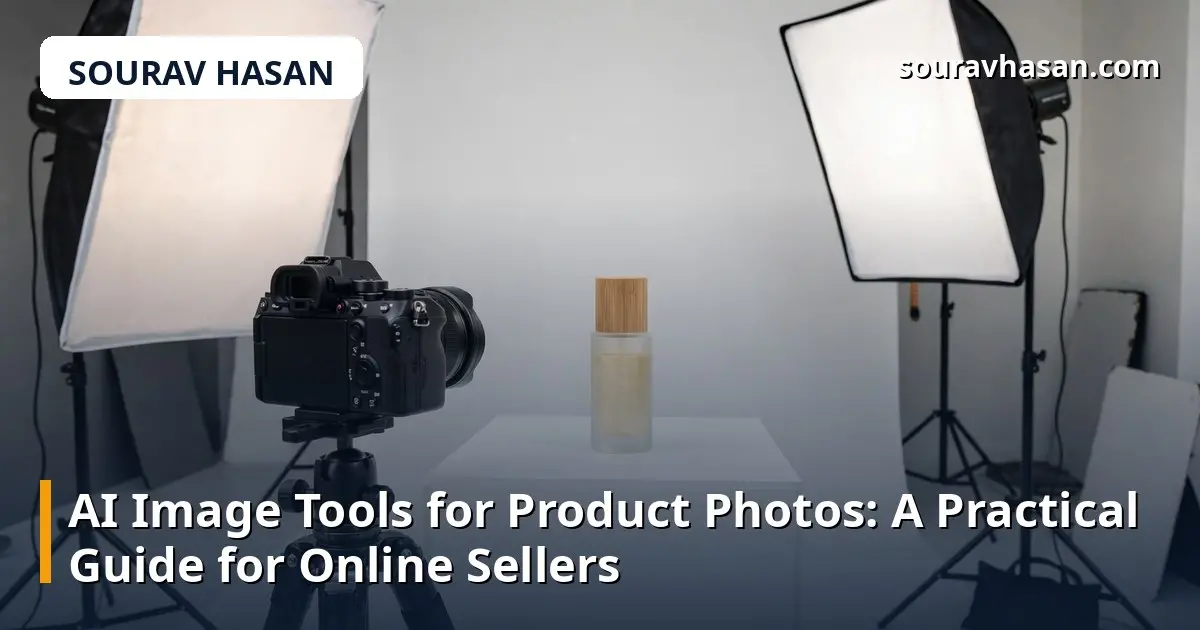
Good product photos sell. A clear, well-lit image of a camera or a monitor does more for a listing than a paragraph of description. The problem for small sellers is cost: a professional shoot for every product is expensive, and a phone photo on a cluttered desk does not inspire confidence. AI image tools have changed that equation. Used well, they can turn an ordinary photo into a clean, professional product image — but they have limits, and knowing them matters.
I run an online store and create product images every week, so I have tested these tools on real listings, not demos. The honest summary: AI is excellent at cleaning up and presenting a product you already photographed, and risky when it starts inventing what the product looks like. That distinction is the whole guide.
The most useful feature by far. Take a photo of a product on your desk, and the tool cuts it out cleanly and places it on a white background, a soft gradient, or a simple studio-style scene. For a marketplace or a store listing, that alone lifts the photo from amateur to presentable in seconds. This is the feature I use most, and it is reliable because it does not change the product itself.
AI tools can remove dust, scratches and reflections, sharpen a slightly soft photo, fix the lighting, and straighten a crooked shot. They can also upscale a small image so it looks acceptable at listing size. These are safe improvements — they make the real product look better, not different.
Some tools can place your product into a generated scene: a camera on a desk in a modern office, a monitor on a clean workspace, a gadget in a lifestyle setting. These shots work well for social media and banners, where the goal is atmosphere. They are much less suitable as the main listing image, where the customer needs to see exactly what they are buying.
The danger starts when AI changes the product itself. Generative tools can subtly alter a product's colour, shape, ports, buttons or labelling — and a customer who receives something different from the photo will return it and leave a bad review. Never use a fully AI-generated image as the main photo for a product you sell. The main image must show the real item.
AI also struggles with fine detail: small text on a label, the exact pattern of a fabric, or the precise shape of a connector. It can invent plausible-looking detail that is simply wrong. And text in generated images is still unreliable — a brand name or a label rendered by AI often comes out misspelled or garbled. Check every AI-edited image at full size before it goes live, and compare it with the real product.
You do not need a studio to get good results. This is the workflow I use:
There are many AI image tools now, and most offer a free tier, so you can test before paying. When you compare them, check four things: how cleanly they cut out a product (ragged edges are a giveaway), whether they preserve the product's real colours, whether they export at a resolution high enough for your store, and what the commercial licence allows — some free tiers restrict business use.
Start with one tool and learn it properly rather than collecting five. For most small sellers, a background remover plus a simple enhancer covers almost everything. The expensive all-in-one platforms only make sense when you are producing images at volume.
For social media and marketing images, often yes. For the main listing photo, no — the customer must see the real product. Use AI to present the real photo better, not to replace it.
No, Google does not penalise AI-edited photos. What matters is that the image is accurate, loads fast, and has good alt text and filenames. A misleading image hurts you through returns and bad reviews, not through a penalty.
Most offer a free tier with a limited number of images per month, and paid plans are usually modest. For a small store, the free tier or the cheapest plan is often enough — the bigger cost is your time, so pick one tool and stick with it.
Photograph in natural daylight, avoid coloured room lighting, and compare the edited image with the real product side by side before publishing. If the AI shifts the colour, reduce the enhancement or use the original photo for the main image.
AI image tools are genuinely useful for online sellers — they close the gap between a phone photo and a professional listing, and they do it in minutes instead of days. The rule to remember is simple: let AI clean up, cut out and enhance the real product, and never let it invent what the customer will receive. Follow that, and your listings will look better, your returns will stay low, and your customers will trust what they see.
Your email address will not be published. Required fields are marked *